

















AI Cum Tribute Generator

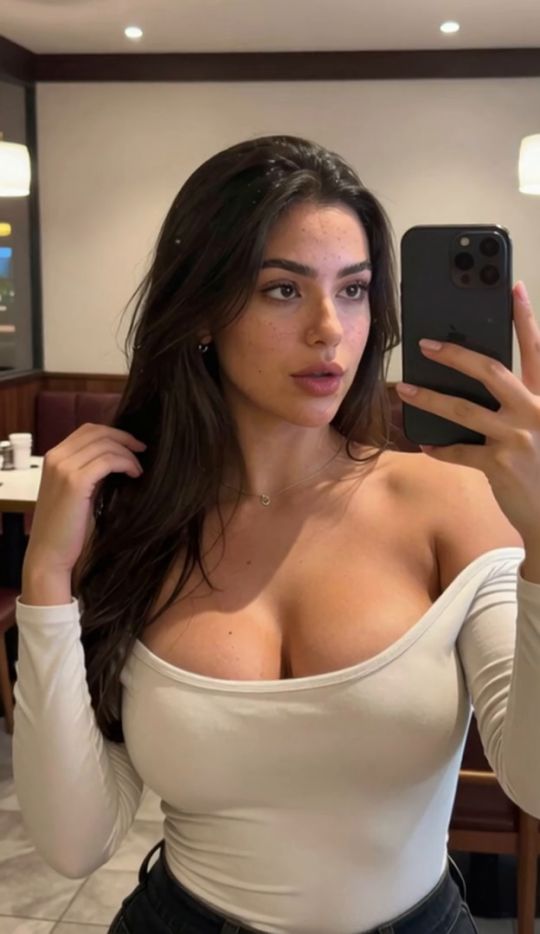
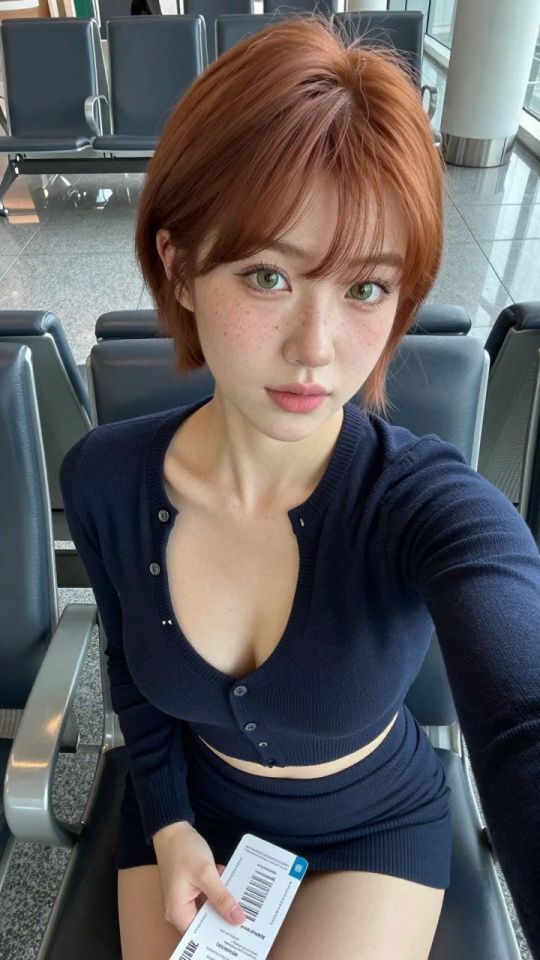
Create a personalized AI cum tribute from an image using an adult-focused AI generation workflow. Upload or select an image, customize the result, and let the generator produce a new AI-created tribute without requiring complicated editing tools or manual image manipulation.

The AI Cum Tribute Generator is designed for users who want a straightforward way to create this type of adult AI content while maintaining control over the source image and generation process.

Create AI Cum Tributes Online

Creating an AI cum tribute online removes much of the manual work normally involved in editing an image.

Instead of opening traditional image-editing software, creating layers, adjusting effects, and manually blending visual elements, an AI-powered workflow can use your source image as the starting point for the generated result.

The process is designed around three things:

  • choosing a suitable source image,
  • defining or selecting the intended generation,
  • letting the AI create the final variation.

This makes the generator useful for both users experimenting with adult AI for the first time and those who already use AI tools as part of a larger content-creation workflow.

The quality of the final image still depends heavily on the quality and composition of the source material, so choosing the right starting image is an important part of the process.

How the AI Cum Tribute Generator Works

The AI cum tribute generator uses the image you provide as the visual foundation for the generated result.

The workflow can be completed in three main steps.

01

1. Choose or Upload an Image

Start with the image you want to use for the generation.

For better results, choose an image where:

  • the main subject is clearly visible,
  • the face is not heavily obscured,
  • lighting is relatively consistent,
  • image quality is high enough to preserve detail,
  • there are minimal compression artifacts,
  • the composition is not unnecessarily crowded.

A clean source image gives the AI more reliable visual information to work from.

If the image is blurry, extremely compressed, poorly lit, or contains distorted features, those problems may also affect the generated result.

02

2. Customize the Generation

Once the image is selected, use the available generator options to define the type of result you want.

Depending on the available template controls, customization may involve selecting the generation style, choosing an existing preset, or adjusting options associated with the output.

The goal is to give the AI enough direction without making the generation unnecessarily complicated.

For most users, starting with the default or recommended configuration and then testing variations is a practical approach.

03

3. Generate

Start the generation and allow the AI to process the source image.

Once complete, review the entire image rather than focusing only on one area.

Check for:

  • facial consistency,
  • natural-looking composition,
  • stable lighting,
  • clean edges,
  • unexpected visual artifacts,
  • whether the generated effect fits the original image.

If the first result is not ideal, trying another variation can sometimes produce a substantially different output even when using the same source image.

AI Cum Face Generator

AI Cum Face Generator

AI Cum Face Generator

An AI cum face generator focuses specifically on creating AI-generated cum tribute effects around the face or portrait area of a source image.

This search term represents a slightly narrower use case than a general cum tribute generator because users are typically starting with a portrait or face-focused image rather than a wider composition.

For this type of generation, source-image quality becomes especially important.

A good face-focused image generally has:

  • a clearly visible face,
  • good contrast between the subject and background,
  • consistent lighting,
  • sufficient resolution,
  • limited obstruction around important facial features.

AI models rely on the visible structure of the original image when creating a new result. If the face is heavily obscured, partially outside the frame, or affected by strong compression, the generator has less reliable information to preserve.

It is also worth testing several versions rather than assuming the first result represents the best the model can produce.

AI generation includes variation, so one output may preserve facial details more effectively than another.

Create Different AI Cum Tribute Images

One advantage of AI generation is the ability to create multiple variations from the same starting image.

Instead of treating the first output as the final result, you can experiment with different source images and generation variations to find the version that works best.

For example, users may want to test:

Portrait-Based Tributes

Portrait images put greater emphasis on the subject's face and upper body.

These tend to work best when the original image is sharp, well lit, and relatively uncluttered.

Full-Image Tributes

A wider image gives the AI more environmental information to interpret.

This can create a more complete composition, although complex backgrounds may also introduce additional generation challenges.

Different Source Images of the Same Subject

Two photographs of the same person can generate very different results depending on:

  • camera angle,
  • lighting,
  • expression,
  • image quality,
  • background,
  • framing.

Testing different images can therefore be more effective than repeatedly using a poor source.

Multiple AI Variations

Even when using the same source image, AI-generated outputs can vary.

Generating more than one version lets you compare:

  • composition,
  • realism,
  • facial consistency,
  • placement,
  • overall visual quality.

This is one of the main benefits of using an AI workflow instead of manually reproducing the effect.

Why Use an AI Cum Tribute Generator?

An AI cum tribute generator simplifies a process that would otherwise require manual image editing.

There are several reasons users may prefer an AI-based workflow.

Faster Creation

Traditional image editing can require knowledge of masks, layers, blending, and other editing techniques.

AI generation reduces that work by allowing the model to interpret the source image and generate a new version automatically.

Easier Experimentation

AI makes it practical to test several variations quickly.

If one result is not convincing, another generation may produce a better composition without requiring the entire image to be rebuilt manually.

Source-Image-Based Customization

The output begins with an image selected by the user.

That makes the generation more personalized than using a completely random or predefined visual.

No Advanced Editing Skills Required

Users do not need professional image-editing knowledge to experiment with the generator.

The workflow is primarily based around choosing an image, configuring the available options, and generating.

Repeatable Workflow

Once you find the type of source image that performs well, similar principles can be reused for future generations.

This makes the process easier over time because you begin to understand which images and compositions are most suitable for AI generation.

Tips for Better AI Cum Tribute Results

AI generation can be unpredictable, but the source image and workflow can significantly influence the quality of the result.

01

Start With a High-Quality Image

Low-resolution images give the model less detail to preserve. Use the clearest available version whenever possible.

02

Keep the Main Subject Visible

Images with heavily obscured faces or extremely difficult angles may produce less consistent results. Clear visual information makes the model's job easier.

03

Avoid Excessively Busy Backgrounds

Complex backgrounds contain more objects and details that the AI may need to reconstruct. A cleaner composition can reduce unwanted artifacts.

04

Pay Attention to Lighting

Strongly conflicting light sources or heavily overexposed areas can make the generated image look less coherent. Balanced lighting generally provides a more stable foundation.

05

Test Different Crops

If a full image produces weak results, try a version where the primary subject takes up more of the frame. A tighter crop may help the model focus on the most important visual information.

06

Generate More Than One Version

AI outputs are not completely deterministic. A second or third generation may preserve the source image more successfully than the first.

07

Change One Variable at a Time

If you are troubleshooting a result, avoid changing the source image and every generation option at once.

Instead:

  • test the original setup,
  • identify the main problem,
  • change one setting or image characteristic,
  • generate again,
  • compare the results.

This makes it easier to determine what actually improved the output.

08

Review the Entire Image

Do not judge quality only by the generated effect.

Also inspect:

  • facial details,
  • proportions,
  • background stability,
  • edge quality,
  • lighting consistency.

A strong generation should look visually coherent as a complete image.

Frequently Asked Questions

Create AI Cum Tributes Online

Create a personalized AI cum tribute from an image using an adult-focused AI generation workflow.

Upload or select an image, customize the result, and let the generator produce a new AI-created tribute without requiring complicated editing tools or manual image manipulation.

LitBox
AI Porn Video Generator
App herunterladen